Developer Workflows
Who this is for: developers who need fast datetime calculations during debugging, SQL work, ops, and testing.
Estimated read time: 3 minutes.
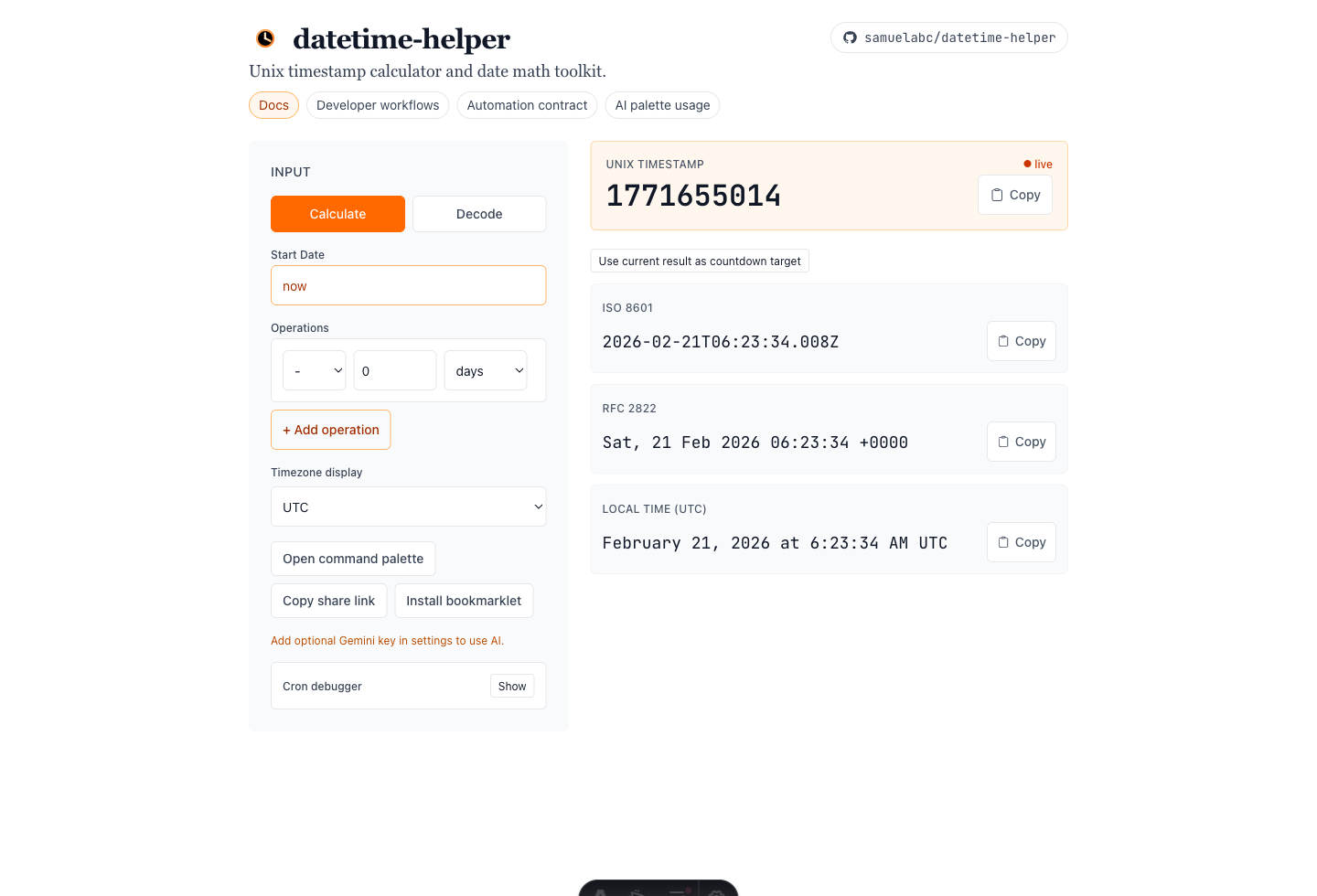
Example view: calculator input controls on the left and copy-ready outputs on the right.
Get current Unix timestamp
- Open the app.
- Leave
Start Dateasnow. - Copy the Unix value from the hero result row.
Use this when you need a timestamp immediately for logs, filters, or ticket notes.
Perform date math
- Keep
Start Dateasnowor enter a specific date. - In
Operations, choose:- direction (
addorsubtract) - amount (integer)
- unit (days, months, years, and more)
- direction (
- Add additional rows for chained steps.
- Copy your target output format.
Example: subtract 7 days from now for a SQL cutoff window.
Decode mode (reverse lookup)
- Switch to
Decode. - Paste a timestamp or datetime value.
- Review converted outputs in all formats.
Use this for inspecting values pulled from logs, payloads, and database records.
Output formats
Unix Timestamp: primary backend/API copy targetISO 8601: machine-safe datetime formatRFC 2822: email/header-oriented formatLocal Time: readable display in selected timezone context
Power features
Share link: copy URL with encoded calculator stateTimezone controls: use UTC, local, or IANA modesCron debugger: preview next run timesCountdown: set current result as target
AI command palette (optional)
- Open with
Cmd/Ctrl + K - Enter operation-oriented prompt text
- Requires optional Gemini key in AI settings
Validation behavior
- Invalid dates show inline feedback
- Last valid result remains visible during invalid input
- Empty start date reverts to
nowon blur - Invalid URL state falls back safely to defaults
Practical recommendations
- Use explicit start dates for deterministic results in PRs/runbooks
- Use share links for handoff and auditability
- Keep long chains readable by splitting intent into clear steps